Internet Speed & Connection
Guides for slow internet, speed tests, Ethernet checks, modem issues, ISP problems, outages, and connection drops.

Learn why your Wi-Fi is slow and how to fix it with simple checks for router placement, speed tests, device issues, network congestion, and ISP problems.
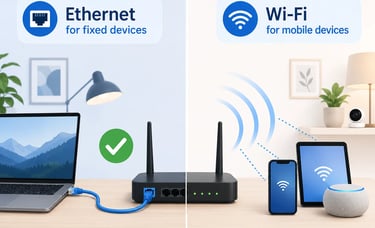
Compare Ethernet vs Wi-Fi for slow internet, gaming, streaming, work calls, smart TVs, and phones. Learn how to test both and choose the right setup.
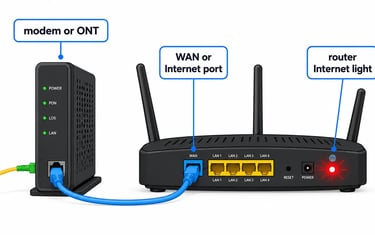
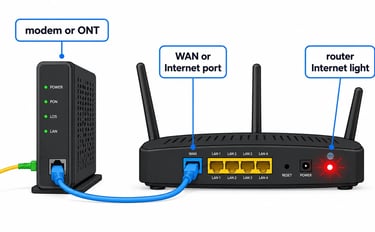
If your router Internet light is off or red, check the modem or ONT, WAN cable, router port, and ISP status before resetting or replacing anything.
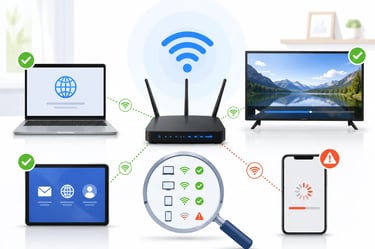
If only one device has slow internet, compare another device in the same spot, check apps, Wi-Fi band, signal, VPN, and device settings before blaming the router or ISP.
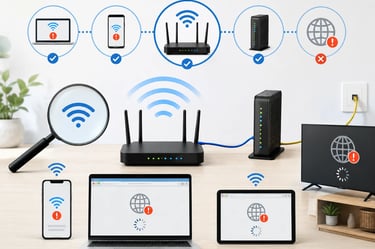
If Wi-Fi connected but no internet appears on your device, compare another device, restart safely, and check router, modem, ONT, or ISP signs.
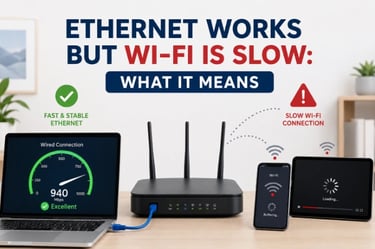
If Ethernet works but Wi-Fi is slow, the internet line is usually fine. Test the same device, then check signal, band, placement, interference, and mesh issues first.
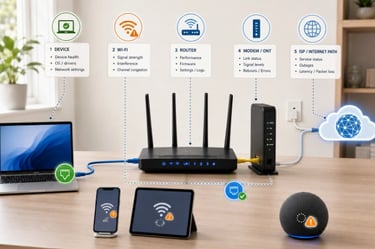
If your internet drops randomly, check whether one device, all Wi-Fi devices, Ethernet, router, modem, gateway, ONT, or ISP is causing it.


If Wi-Fi drops but Ethernet still works, test coverage, interference, mesh, router settings, and ISP status before you reset anything.


If your internet drops when streaming or gaming, check one device vs all devices, Wi-Fi vs Ethernet, cables, router, modem, and provider status first.

If fiber internet fails, check one device vs all devices, Wi-Fi vs Ethernet, ONT lights, router WAN light, cables, and provider status before resetting anything.

Learn why your Wi-Fi is slow and how to fix it with simple checks for router placement, speed tests, device issues, network congestion, and ISP problems.
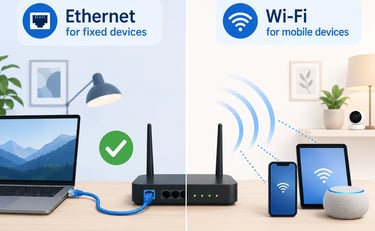
Compare Ethernet vs Wi-Fi for slow internet, gaming, streaming, work calls, smart TVs, and phones. Learn how to test both and choose the right setup.
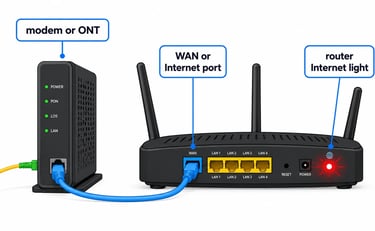
If your router Internet light is off or red, check the modem or ONT, WAN cable, router port, and ISP status before resetting or replacing anything.
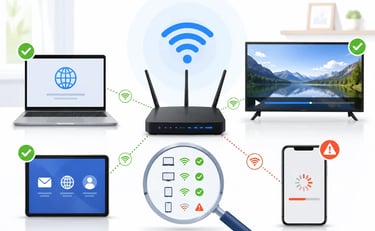
If only one device has slow internet, compare another device in the same spot, check apps, Wi-Fi band, signal, VPN, and device settings before blaming the router or ISP.
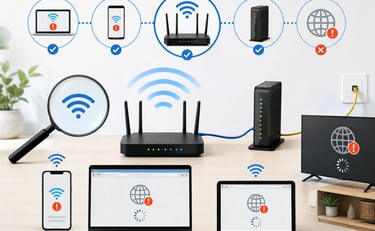
If Wi-Fi connected but no internet appears on your device, compare another device, restart safely, and check router, modem, ONT, or ISP signs.
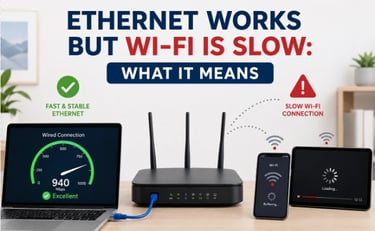
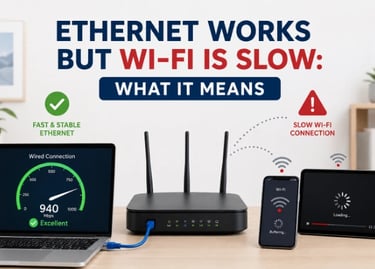
If Ethernet works but Wi-Fi is slow, the internet line is usually fine. Test the same device, then check signal, band, placement, interference, and mesh issues first.
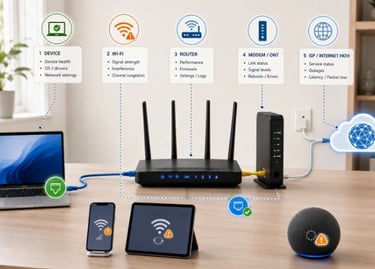
If your internet drops randomly, check whether one device, all Wi-Fi devices, Ethernet, router, modem, gateway, ONT, or ISP is causing it.
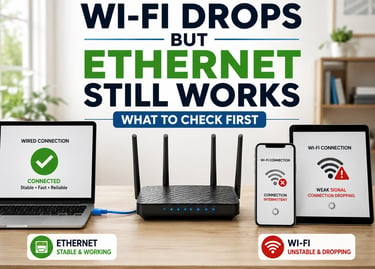
If Wi-Fi drops but Ethernet still works, test coverage, interference, mesh, router settings, and ISP status before you reset anything.


If Wi-Fi drops but Ethernet still works, test coverage, interference, mesh, router settings, and ISP status before you reset anything.

If fiber internet fails, check one device vs all devices, Wi-Fi vs Ethernet, ONT lights, router WAN light, cables, and provider status before resetting anything.